Boosting your organic search visibility does not need a five-figure software budget. Many of the most useful SEO tools are completely free and give you direct access to the data you need to make commercially sound decisions. As a hands-on marketing consultant, I use a core stack of these free platforms to diagnose technical issues, find keyword opportunities and measure the impact of SEO on leads and revenue for UK businesses.
This is a practical breakdown of the 12 best free SEO tools available today: how to use each one, where its limits are, and how to combine them into a workflow that gets results. Each review includes screenshots and clear guidance on its most valuable functions. It is also worth reading up on the overlap between SEO and web accessibility, as many of the fixes these tools flag help both.
1. Google Search Console
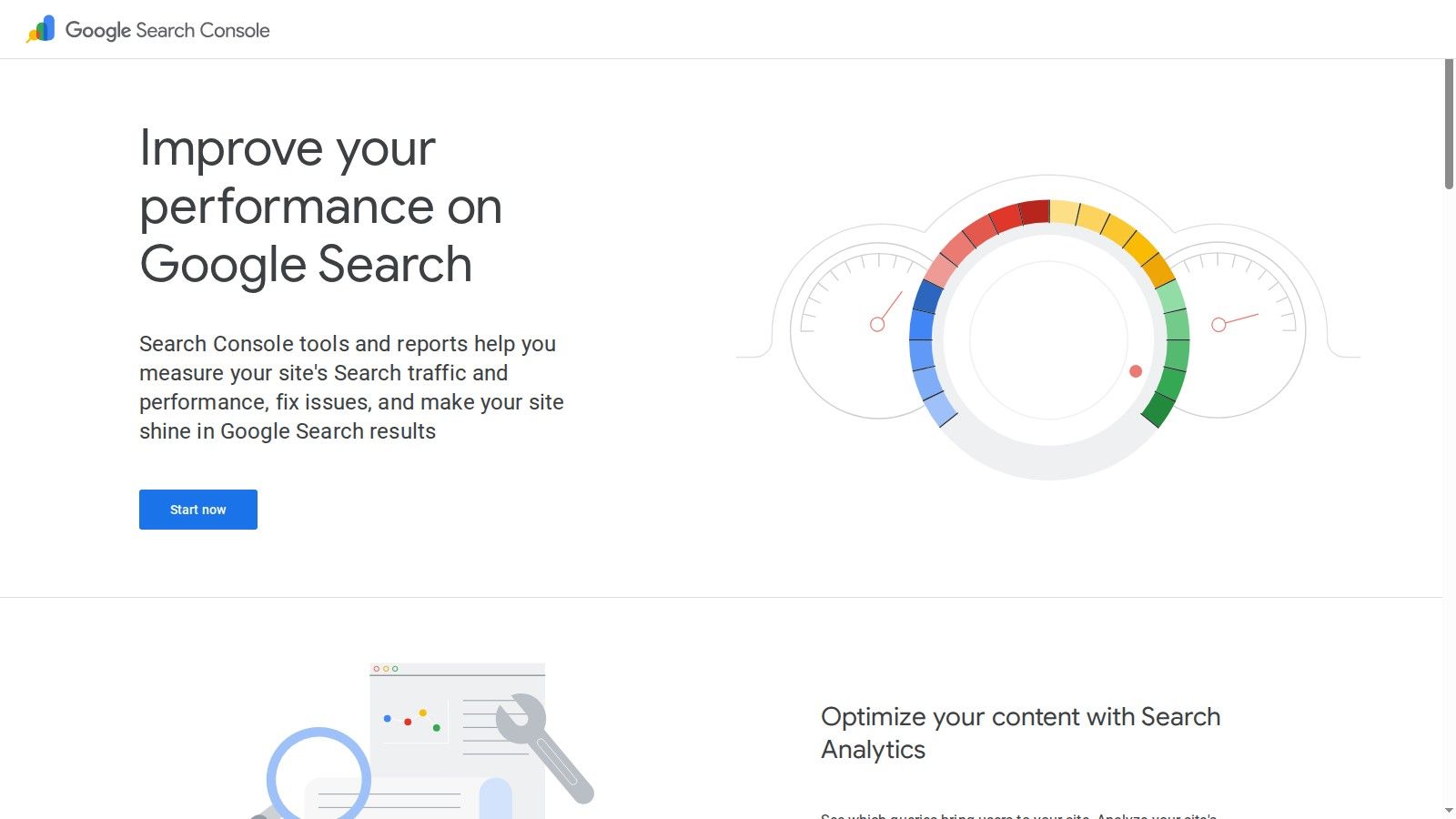
Google Search Console (GSC) is the single most essential platform in any list of the best free SEO tools. It is a non-negotiable for any website owner, as it provides direct, unfiltered data from Google on how the search engine sees and ranks your site. This is not a third-party tool estimating performance; it is the source of truth for your organic visibility, technical health, and indexing status.
Unlike other tools that scrape or estimate data, GSC reveals the exact queries users search for to find your pages, your average ranking positions, click-through rates, and impressions. It is the primary diagnostic tool for identifying crawling errors, mobile usability problems, and security issues that could severely impact your rankings.
Key Features & Business Use Cases
Performance Reports: Analyse which keywords drive traffic to specific pages, identify "striking distance" keywords on page two that need a boost, and monitor your brand vs. non-brand search visibility.
URL Inspection Tool: A crucial feature for diagnosing issues. Submit a URL to see if it is indexed, check its mobile usability, and review any detected structured data. This is invaluable for troubleshooting why a specific page is not ranking.
Index Coverage Reports: Identify which pages Google cannot or will not index and why. This helps you quickly fix technical blockers that are preventing your content from being found.
Core Web Vitals & Page Experience: Get direct feedback on your site's performance against Google's user experience metrics.
Commercial Perspective
Pricing: Completely free. Access requires verifying ownership of your website via your Google account.
Pros: Direct, authoritative data from Google; critical alerts for site issues; indispensable for technical SEO diagnostics.
Cons: Data is limited to a 16-month window; backlink data is far less comprehensive than dedicated tools like Ahrefs or Semrush.
Using the insights from GSC is a cornerstone of effective SEO. To learn how to apply this data, see our complete guide to on-page SEO best practices.
2. Google Analytics 4 (GA4)
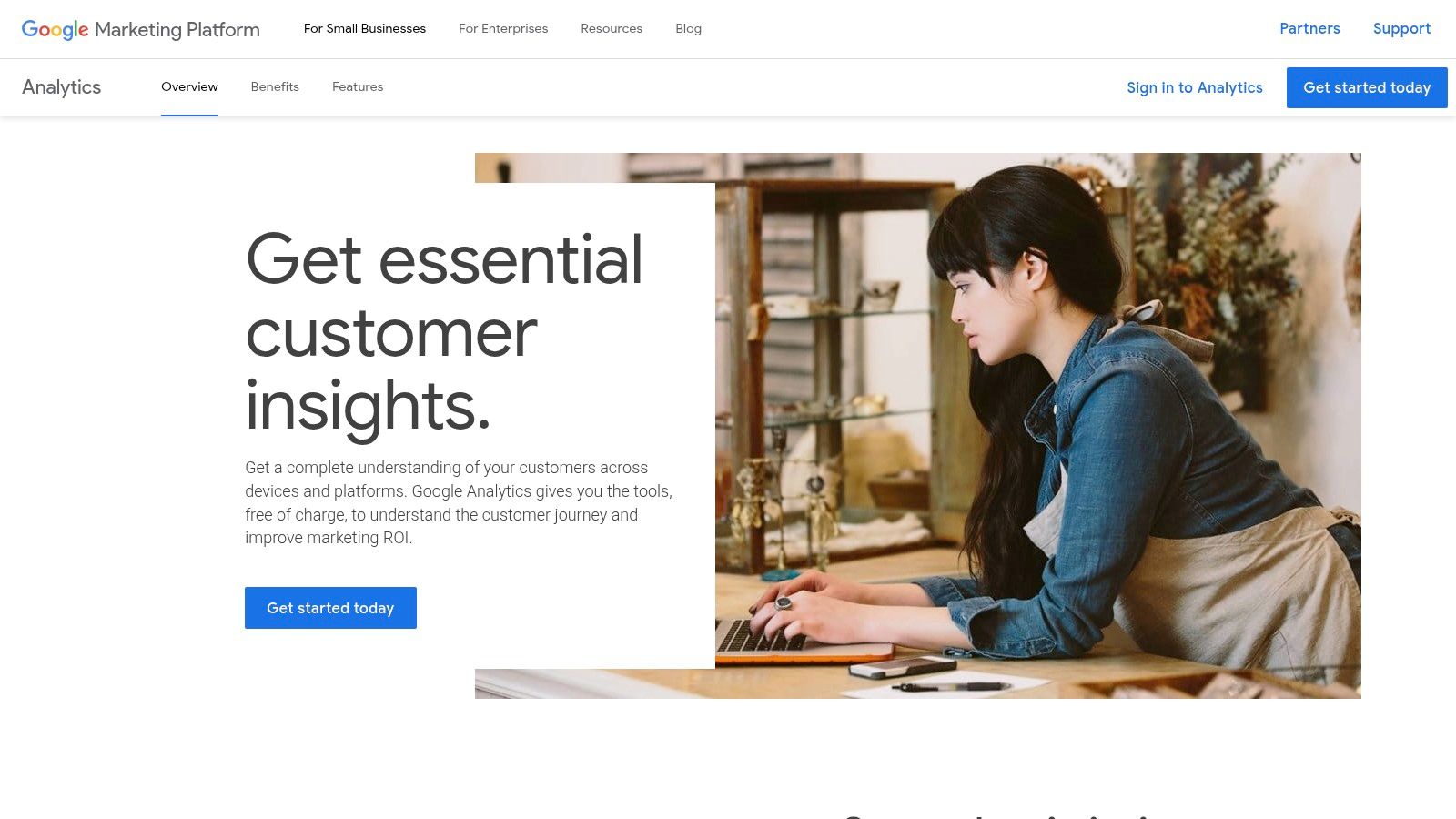
If Google Search Console tells you how users find your site, Google Analytics 4 (GA4) tells you what they do once they arrive. As one of the best free SEO tools available, it is the standard for understanding user behaviour, engagement, and conversion. GA4 moves beyond simple page views to an event-based model, allowing you to measure the full path from first visit to enquiry and tie organic search performance directly to business outcomes like leads and sales.
This platform is essential for measuring the ROI of your SEO efforts. By analysing which landing pages from organic search lead to the highest engagement and conversions, you can refine your content strategy and double down on what works. Its native integration with Google Ads and BigQuery also opens up powerful opportunities for more advanced, cross-channel analysis.
Key Features & Business Use Cases
Traffic Acquisition Reports: Identify which organic landing pages generate the most valuable traffic. Analyse metrics like engaged sessions and conversions per landing page to see which content is most effective.
Event-Based Tracking: Go beyond page views to track meaningful user actions like button clicks, form submissions, or video plays as "events." This gives you a much clearer picture of user interaction.
Explorations & Funnel Analysis: Build custom reports and visualisations to analyse user paths. For example, you can create a funnel to see how many users from organic search complete a specific goal, like signing up for a newsletter.
Google Search Console Integration: Link GA4 with GSC to see combined user acquisition and behaviour data in one place, connecting pre-click search data with post-click website activity.
Commercial Perspective
Pricing: Completely free for the vast majority of businesses. Enterprise-level features and higher data limits are available via the paid Analytics 360 platform.
Pros: Powerful, customisable analytics at no cost; crucial for linking SEO to business goals; BigQuery export enables deep, custom data analysis.
Cons: The event-based model has a steeper learning curve than Universal Analytics; user-level data retention is limited (max 14 months) on the free tier.
Understanding how to interpret GA4 data is key to proving and improving your SEO ROI. To get more from the platform, see our guide to paid search analytics.
3. Google Ads Keyword Planner
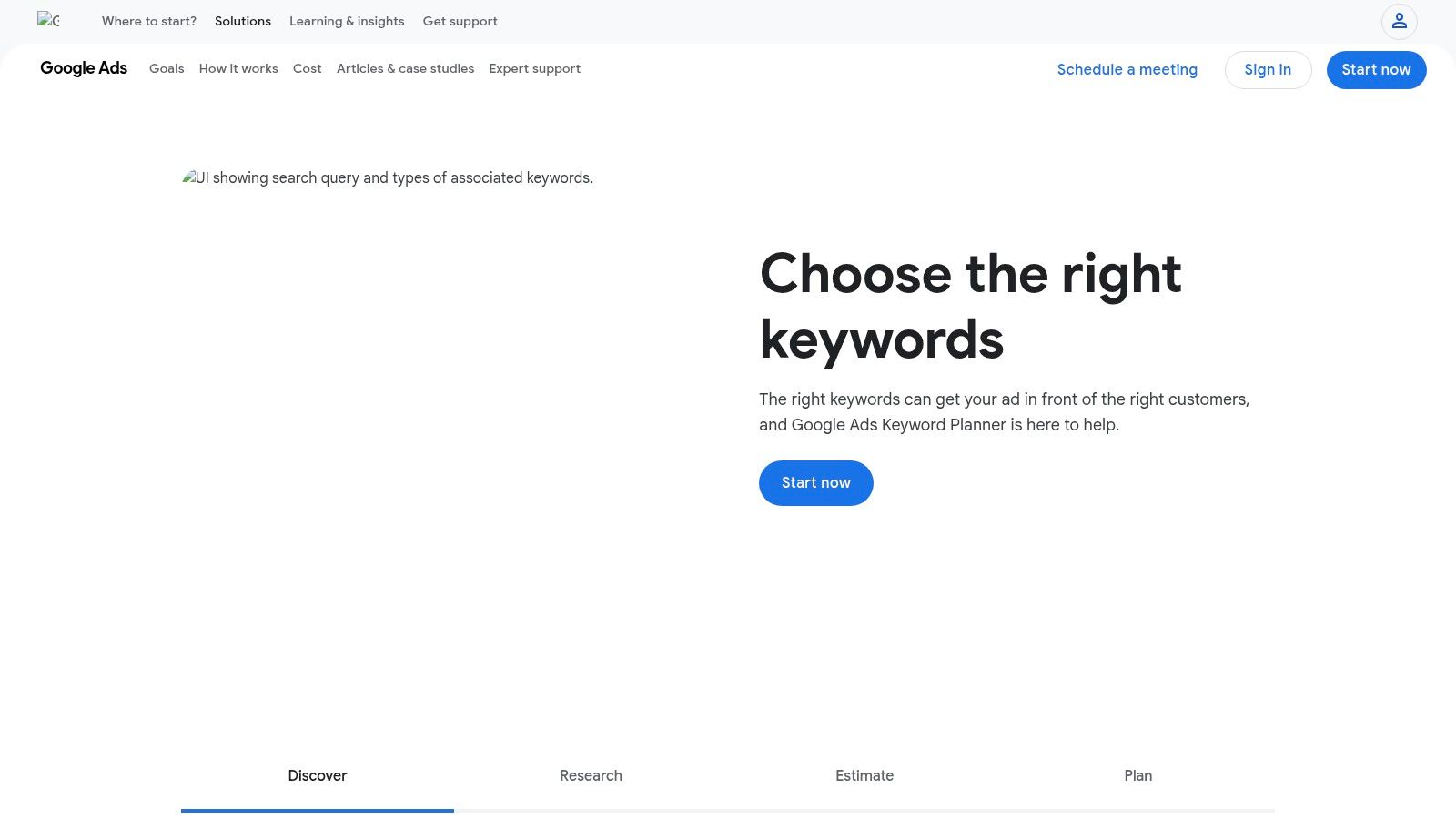
While officially a tool for pay-per-click advertising, the Google Ads Keyword Planner is an indispensable resource for SEO and one of the best free SEO tools for understanding user intent and commercial value. It provides keyword ideas, search volume estimates, and competition levels directly from Google's own advertising data, offering a unique insight into the commercial viability of different search terms.
Unlike many third-party tools that estimate search volume, Keyword Planner provides data rooted in Google's ecosystem. This makes it particularly powerful for gauging the potential return on investment for a content topic by looking at the suggested bid ranges. High bids often correlate with high commercial intent, helping you prioritise keywords that are more likely to lead to conversions.
Key Features & Business Use Cases
Discover New Keywords: Input a seed keyword or a competitor's URL to generate a list of related keyword ideas. This is perfect for brainstorming content topics and expanding your keyword targets.
Get Search Volume and Forecasts: Understand the monthly search volume ranges for keywords. The tool's powerful geo-targeting is ideal for UK businesses wanting to analyse demand in specific regions or cities.
Analyse Commercial Intent: Use the "Top of page bid" columns to assess a keyword's commercial value. Higher cost-per-click (CPC) estimates often indicate that the searcher is closer to making a purchase.
Commercial Perspective
Pricing: Completely free. Access requires setting up a Google Ads account. For full functionality, it is best to set this up in 'Expert Mode' but you do not need to run a campaign.
Pros: Data comes directly from Google's ad platform; excellent for identifying commercially valuable keywords; strong geo-targeting features for local and national SEO.
Cons: Requires a Google Ads account; search volume data is presented in broad ranges (e.g., 1K-10K) for accounts without active ad spend, which limits precision.
4. Google Trends
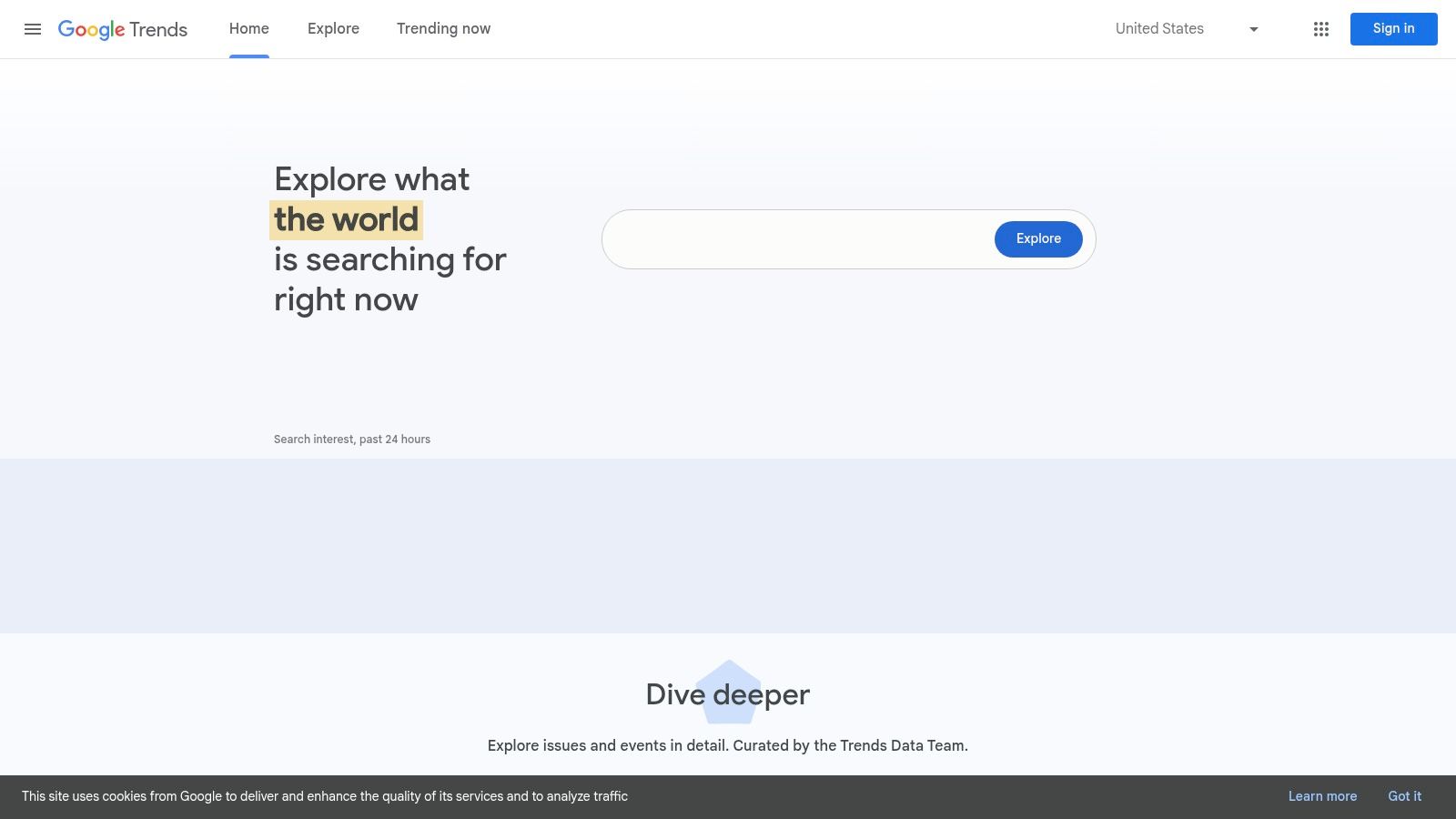
While not a traditional keyword research tool, Google Trends is an indispensable free SEO tool for understanding market demand and content seasonality. It provides a high-level view of search interest in topics over time, allowing you to gauge whether a keyword is gaining popularity, declining, or subject to seasonal peaks and troughs. This is crucial for planning your editorial calendar and aligning content publication with user interest.
Unlike tools that provide absolute search volumes, Google Trends visualises relative popularity on a scale of 0 to 100. This makes it perfect for comparing the interest in different topics, discovering breakout search queries, and identifying new content opportunities before they become highly competitive. For UK-based businesses, its ability to drill down to country and even regional levels is particularly useful for localising campaigns.
Key Features & Business Use Cases
Topic & Keyword Comparison: Compare the relative search interest of up to five different keywords or topics to prioritise your content strategy. For example, you can assess whether "garden furniture" or "patio sets" is the more popular term in the UK.
Historical Trend Analysis: Analyse search interest over long periods to spot clear seasonal patterns. This helps you plan promotions and publish relevant content precisely when your audience starts searching.
Related Queries & Topics: Discover "rising" and "top" related searches to find new keyword ideas and understand the broader context of user intent around your primary topic.
Regional Interest: Identify which regions or cities show the most interest in your topic, which is invaluable for refining local SEO and paid advertising targeting.
Commercial Perspective
Pricing: Completely free. No login is required to use its core features.
Pros: Excellent for spotting seasonality and news-driven trends, provides valuable insights for content timing, and offers powerful regional data for UK-focused marketing.
Cons: Data is directional and relative, not absolute search volume. It should be used for strategic guidance rather than precise keyword targeting.
5. PageSpeed Insights
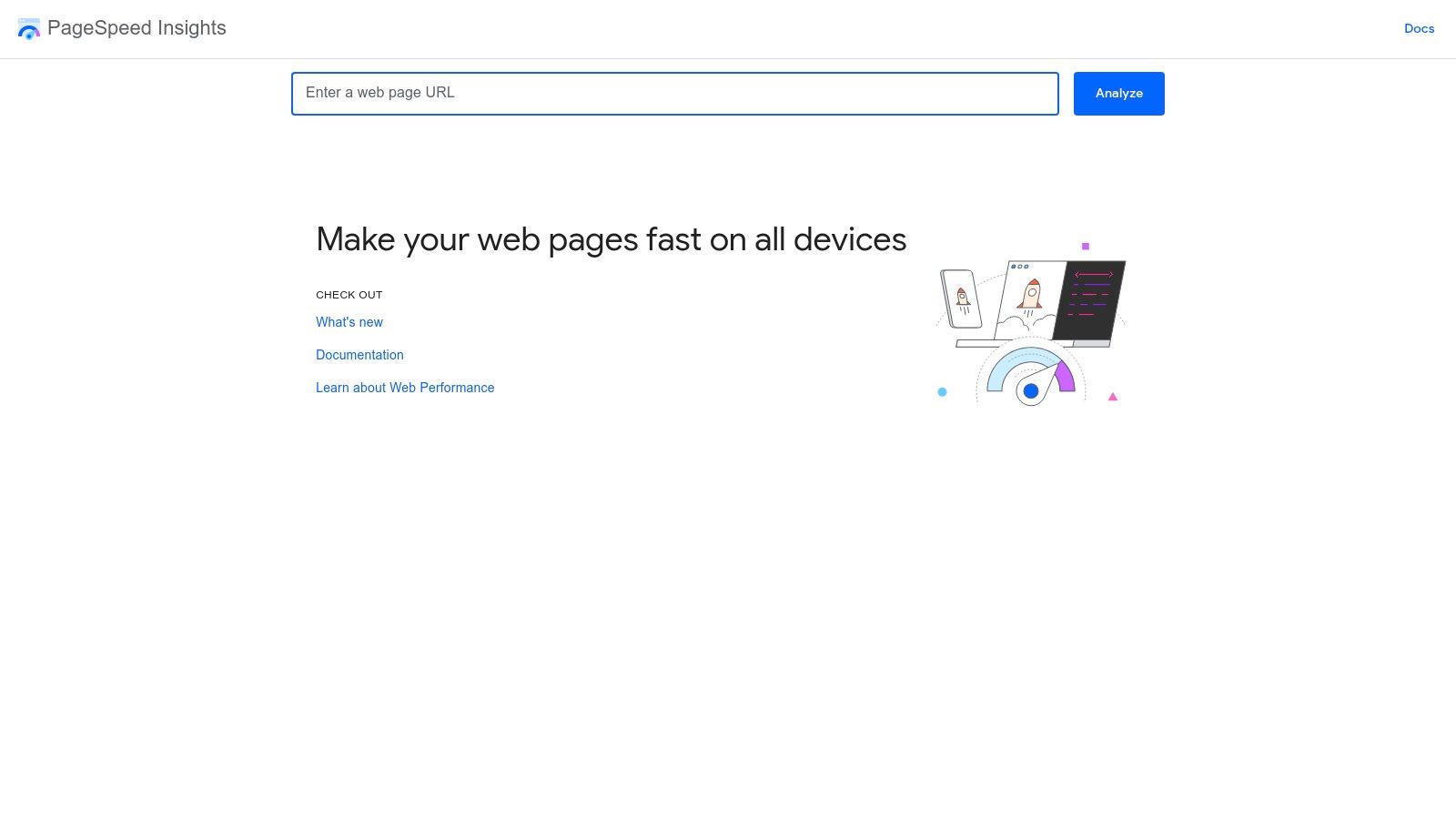
As site speed and user experience become increasingly crucial ranking factors, Google’s own PageSpeed Insights (PSI) has emerged as a vital diagnostic tool. It provides a direct assessment of your website's performance on both mobile and desktop devices, based on lab data and real-world user data. This makes it an indispensable part of any technical SEO toolkit for optimising Core Web Vitals.
Unlike other performance checkers, PSI combines two powerful data sources: Lighthouse "lab data" for controlled diagnostics and Chrome User Experience (CrUX) "field data" from actual users. This dual perspective gives you a comprehensive view of technical performance and how it translates to real-world user experience, a key focus for Google's algorithms.
Key Features & Business Use Cases
Core Web Vitals Assessment: Measures your site against key metrics like Largest Contentful Paint (LCP), Interaction to Next Paint (INP), and Cumulative Layout Shift (CLS). This helps you align your site with Google's direct expectations for user experience.
Actionable Diagnostics: Provides a specific list of "Opportunities" (e.g., serve images in next-gen formats, reduce unused JavaScript) and "Diagnostics" to guide developers on exactly what to fix to improve the score.
Field vs. Lab Data: Allows you to compare how your site performs in a controlled test environment (lab) versus how it has performed for real users over the last 28 days (field). This is critical for understanding actual user-facing issues.
Mobile-First Analysis: The tool defaults to a mobile report, reinforcing Google's mobile-first indexing approach and helping you prioritise optimisations for the majority of users.
Lighthouse in Chrome: The lab data in PSI comes from Lighthouse, which is also built into Chrome DevTools. Developers can run the same audit locally or on a staging site to check a fix before it goes live.
Commercial Perspective
Pricing: Completely free. Simply enter a URL to run a report.
Pros: Data and recommendations come directly from Google; provides a clear pass/fail on Core Web Vitals; excellent for pinpointing specific technical fixes.
Cons: Lab results can fluctuate between tests and may not perfectly match the experience of every user; can be overly technical for non-developers.
Understanding these reports is the first step towards a faster, more user-friendly website. Learn how to apply these insights in our guide to SEO-focused website development.
6. Yoast SEO (Free WordPress Plugin)
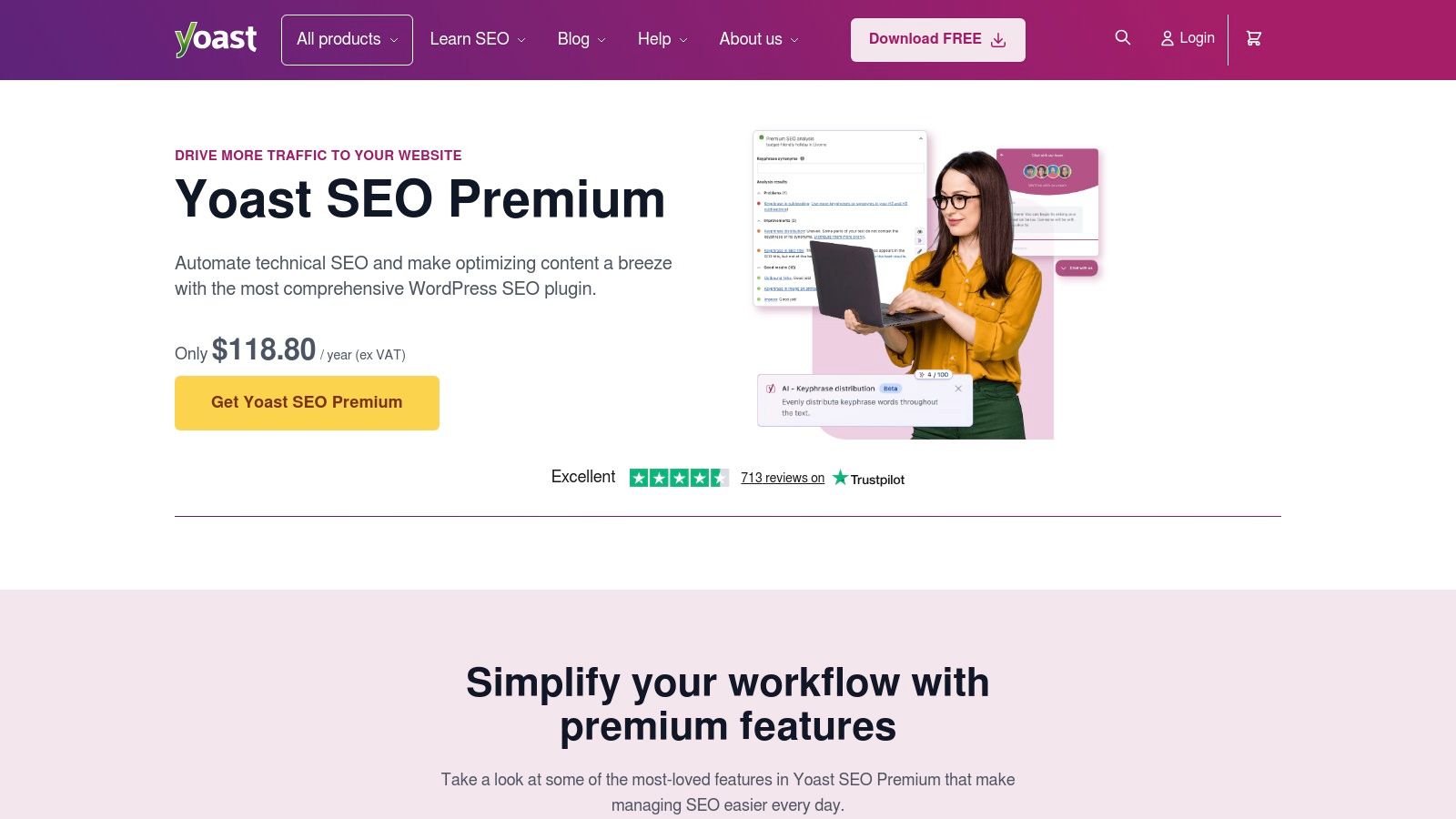
If your site runs on WordPress, Yoast SEO is one of the first plugins worth installing. The free version handles the on-page basics that most small business sites get wrong: page titles, meta descriptions, XML sitemaps and canonical tags. It gives you real-time guidance inside the WordPress editor, so whoever writes your pages can get the basics right without being an SEO specialist.
The other tools on this list tell you what is wrong. Yoast is where many of those fixes actually get made on a WordPress site, which is why it earns its place.
Key Features & Business Use Cases
Titles and Meta Descriptions: Write and preview how each page appears in search results, so you can fix the missing or duplicate titles that Search Console and Screaming Frog flag.
XML Sitemaps: Generates and updates your sitemap automatically, ready to submit to Google Search Console and Bing Webmaster Tools.
On-Page and Readability Checks: Real-time feedback on focus keyphrase use, headings and readability as you write.
Basic Schema: Adds structured data describing your organisation and pages, which helps search engines understand your site.
Commercial Perspective
Pricing: The core plugin is free. Yoast SEO Premium is a paid annual upgrade that adds a redirect manager, internal linking suggestions and orphaned content detection.
Pros: Built into the WordPress editor, so SEO becomes part of publishing rather than a separate job; clear guidance non-specialists can follow.
Cons: WordPress only; it cannot crawl your whole site, analyse competitors or research keywords, so it needs pairing with the other tools here. Treat its traffic-light scores as guidance, not a ranking guarantee.
7. Bing Webmaster Tools
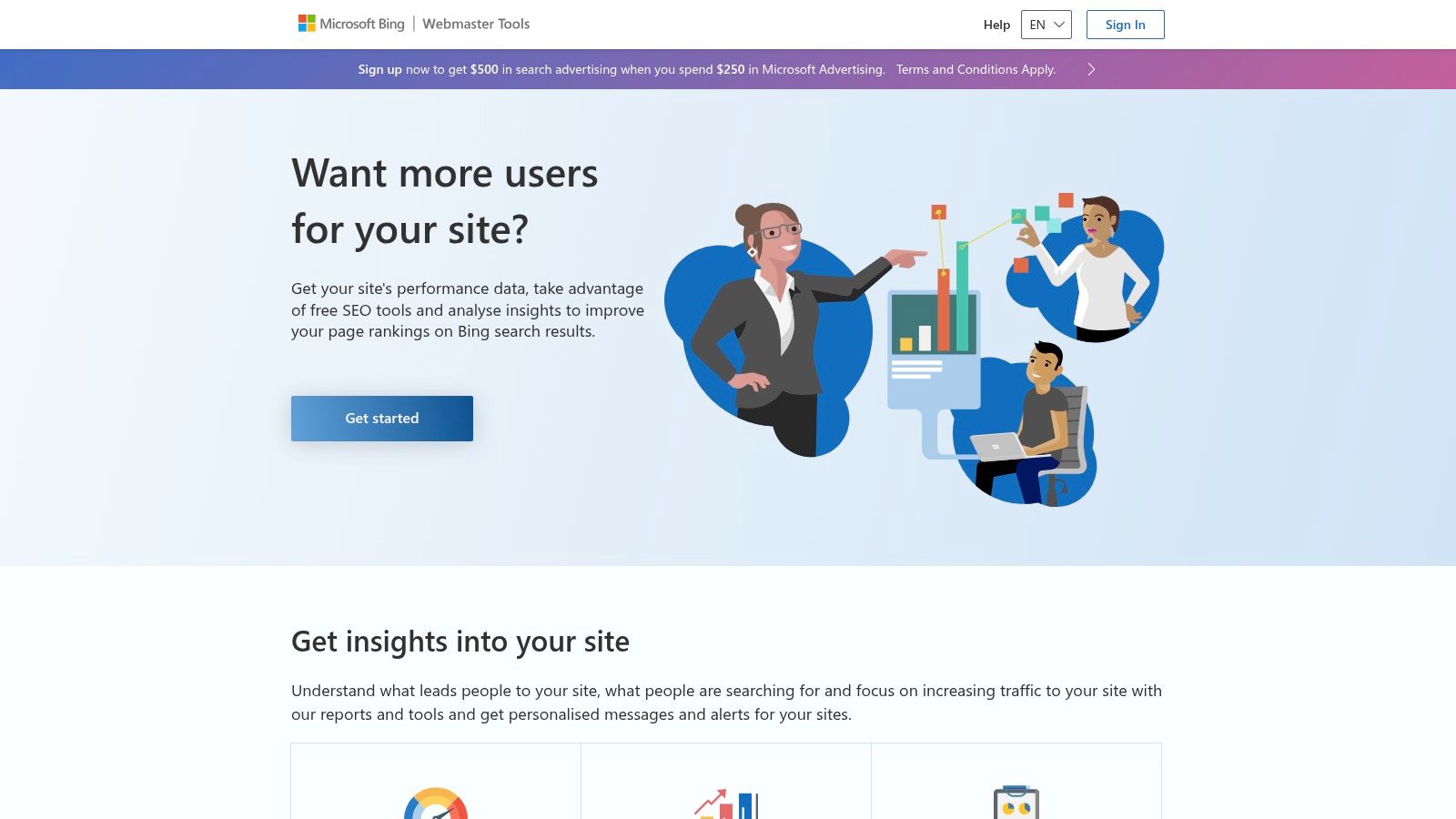
Google may dominate search, but ignoring Bing means missing out on a significant audience, particularly in the UK desktop market. Bing Webmaster Tools is Microsoft’s answer to Google Search Console, providing an essential, free SEO tool for understanding and optimising your visibility on the Bing search engine. It is the official source for performance data, technical health diagnostics, and indexing management for the entire Microsoft network.
Often overlooked, Bing Webmaster Tools offers surprisingly solid features, including detailed keyword reports, a comprehensive backlink analysis tool, and a site scanner for technical issues. Its standout feature is IndexNow, an open protocol that allows websites to notify search engines instantly when content is updated, significantly speeding up discovery and indexing. For any business serious about maximising its search footprint, it is a non-negotiable platform.
Key Features & Business Use Cases
Search Performance Reports: Analyse your clicks, impressions, and average positions for keywords driving traffic from Bing, helping you identify unique optimisation opportunities.
Site Explorer & Backlinks: A surprisingly capable tool for exploring your site’s structure as Bing sees it. It also provides extensive data on referring domains and anchor text, rivalling some paid tools.
IndexNow Integration: Submit URLs for immediate crawling and indexing consideration after publishing or updating content, giving you a competitive edge.
Site Scan: Run an on-demand technical SEO audit to uncover common issues like missing meta descriptions, multiple H1 tags, or slow page load times.
Commercial Perspective
Pricing: Completely free. You can verify your site directly or import your setup from Google Search Console in minutes.
Pros: Easy GSC import for instant setup; offers valuable insight into a different search demographic; IndexNow provides industry-leading indexing speed.
Cons: Search data volume is typically much lower than Google's for most UK websites; users occasionally report indexing quirks or delays.
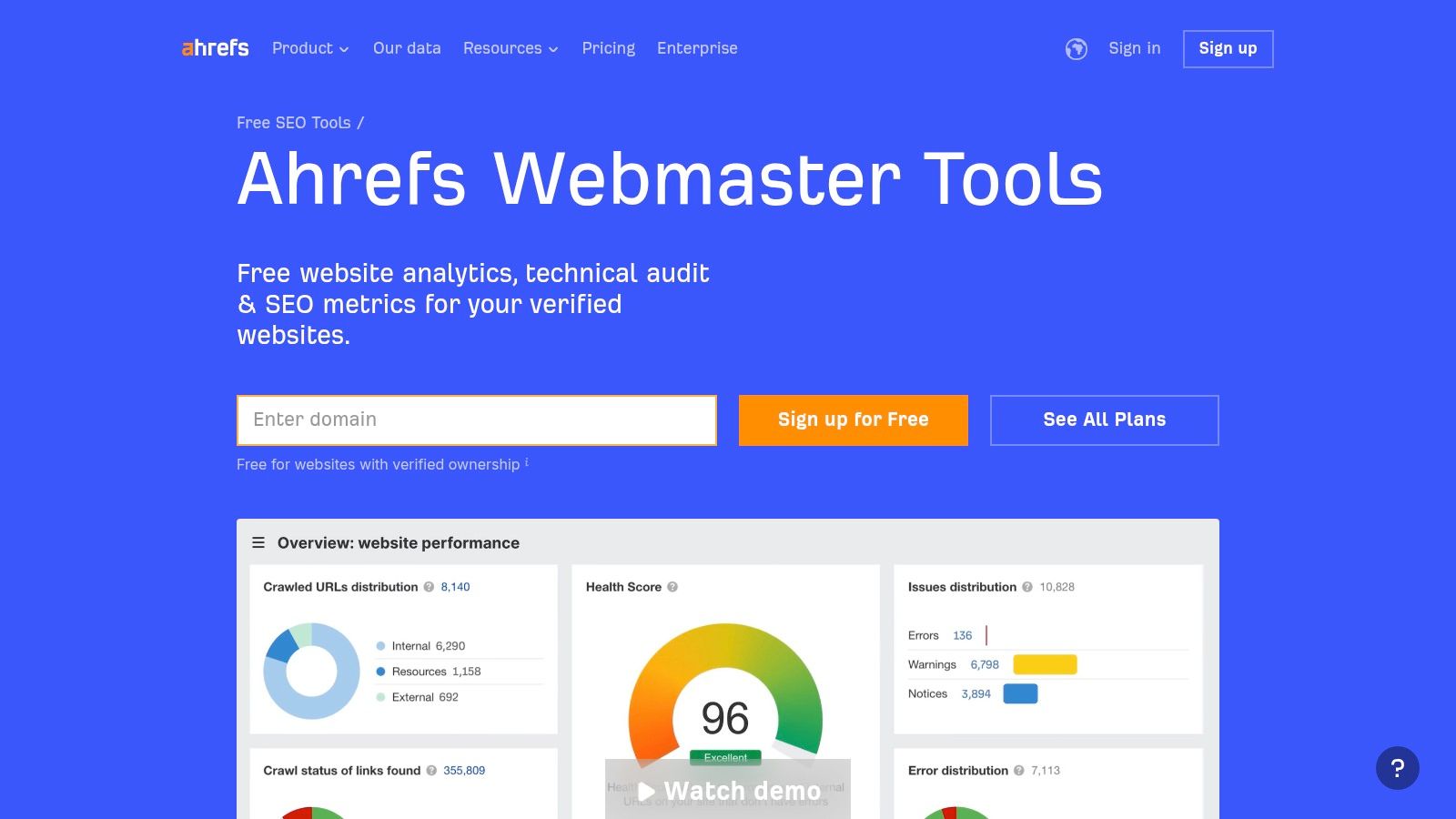
8. Ahrefs Webmaster Tools
Ahrefs Webmaster Tools (AWT) is a powerful answer to Google Search Console, offering website owners free access to some of the premium features that make Ahrefs an industry leader. It allows you to connect your own websites and gain insights into their technical health, backlink profile, and organic keyword rankings using Ahrefs' renowned data index, all without a paid subscription.
While Google Search Console provides data directly from Google, AWT uses Ahrefs' own massive database of links and keywords. This makes it an exceptional free SEO tool for conducting a comprehensive site audit and analysing your backlink profile with a level of detail that is typically reserved for expensive paid plans.
Key Features & Business Use Cases
Site Audit: Crawl your website to uncover over 170 common technical and on-page SEO issues. The tool provides clear explanations and recommendations for fixing problems related to performance, meta tags, content quality, and more.
Site Explorer: For your verified domains, you can access Ahrefs' industry-leading backlink data. Analyse who links to you, identify your most valuable backlinks, and monitor new and lost links over time.
Organic Keywords: See which keywords your website is ranking for, along with estimated search volumes, keyword difficulty, and ranking positions. This is invaluable for identifying content opportunities and tracking your performance.
Commercial Perspective
Pricing: Completely free. Requires you to verify ownership of your website, similar to Google Search Console.
Pros: Grants free access to Ahrefs' premium-quality backlink and site audit data for your own sites; you can add and monitor an unlimited number of verified websites.
Cons: Monthly crawl credits are limited; you cannot research competitor domains; keyword and backlink data is capped in the free reports.
AWT is one of the best free SEO tools available, providing a glimpse into the power of Ahrefs' full suite. For more strategies on using backlink data, read our guide on building a high-impact B2B link building strategy.
9. Semrush (Free Account)
Semrush is an all-in-one marketing powerhouse, and its free account offers a valuable glimpse into its extensive capabilities. While heavily restricted compared to its paid plans, the free tier is one of the best free SEO tools for conducting quick competitive analysis, tracking a small number of keywords, and getting a high-level overview of a site's health without any financial commitment. It provides a taste of enterprise-level data, which is perfect for new businesses or marketers needing a quick snapshot.
Unlike single-function tools, Semrush’s free account allows you to sample features across different SEO disciplines, from keyword research to technical audits. This integrated approach helps you understand how different elements of your strategy connect, making it a powerful educational tool and a useful starting point for anyone serious about growing their organic presence before investing in a premium subscription.
Key Features & Business Use Cases
Domain Overview: Analyse your own or a competitor's domain to see top organic keywords, estimated traffic, and backlink profile. This is ideal for a quick competitive intelligence check.
Keyword Overview: Perform a limited number of keyword searches per day to see search volume, keyword difficulty, and related keyword ideas.
Site Audit: Set up one 'Project' to crawl up to 100 pages of your website. This identifies common technical SEO errors, such as broken links or missing meta descriptions.
Position Tracking: Track up to 10 keywords for one project to monitor your daily ranking performance in search results.
Commercial Perspective
Pricing: The core features are free after signing up for an account. Some advanced tools may require starting a trial with billing details.
Pros: Access a wide range of tool types in one place; excellent for high-level competitive research; a great introduction to a professional-grade SEO platform.
Cons: Very strict daily limits on reports and data exports; the 100-page crawl limit for the site audit is only suitable for very small websites.
For a deeper dive into keyword strategy using tools like this, explore our guide on how to do effective keyword research.
10. Screaming Frog SEO Spider (Free Version)
Screaming Frog's SEO Spider is the industry-standard desktop software for crawling and analysing a website from a technical SEO perspective. While its full feature set requires a licence, the free version remains one of the best free SEO tools for small-scale audits, spot-checking technical fixes, or getting a quick health overview of a smaller website. It acts like a search engine bot, crawling your links, images, CSS, and scripts to evaluate onsite SEO.
This tool is indispensable for hands-on technical SEO. Unlike web-based crawlers, it runs locally on your computer, giving you complete control over the crawl speed and configuration. It excels at quickly identifying common but critical issues like broken links, server errors, and problematic redirect chains that can harm user experience and search engine rankings.
Key Features & Business Use Cases
Find Broken Links (404s) & Server Errors: Quickly crawl your site to find all internal and outbound links that return an error, allowing you to fix them before they impact SEO.
Analyse Page Titles & Meta Data: Export a complete list of your URLs with their corresponding page titles, meta descriptions, and H1 tags. This is perfect for identifying missing, duplicate, or non-optimised metadata at a glance.
Discover Duplicate Content: The crawler identifies pages with duplicate content, H1s, or titles, helping you resolve potential cannibalisation issues.
Generate XML Sitemaps: Even the free version allows you to generate a basic XML sitemap for a small site, which you can then submit to Google Search Console.
Commercial Perspective
Pricing: Free for up to 500 URLs per crawl. A paid annual licence adds unlimited crawling, saved crawls, scheduling, and integrations with Google Analytics and Search Console.
Pros: Extremely powerful and fast for technical audits; provides granular data essential for deep-dive analysis; excellent for site migration checks and routine health monitoring.
Cons: The 500 URL limit makes it unsuitable for auditing medium-to-large websites; key time-saving features like saving crawls and API integrations are locked behind the paid version; the interface can be intimidating for beginners.
To learn more or download the tool, visit the official Screaming Frog SEO Spider website.
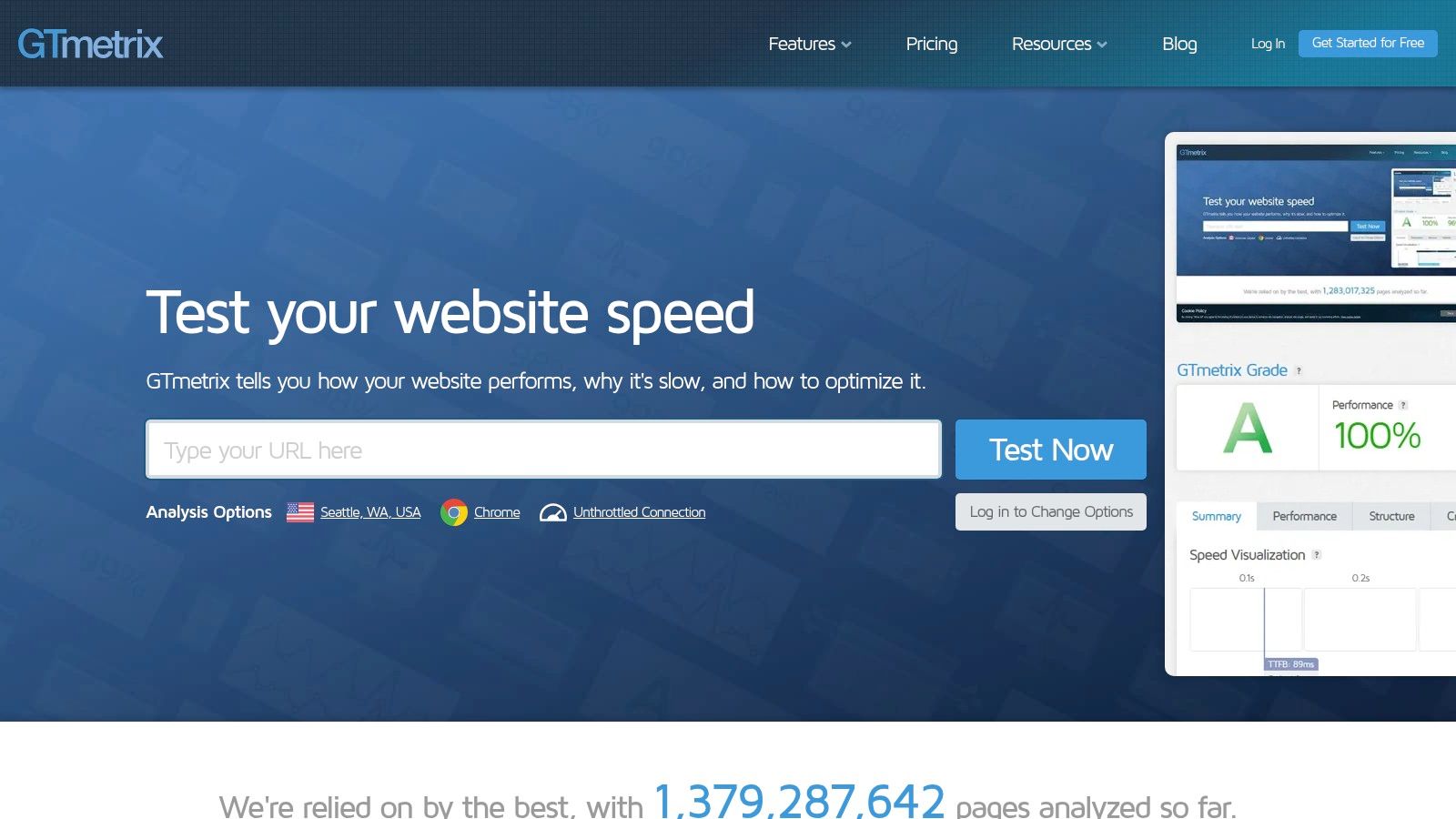
11. GTmetrix
Website performance is a critical ranking factor, and GTmetrix is a leading tool for analysing your site's technical speed and user experience. It goes beyond simple load times, combining Google's Lighthouse data with its own performance metrics to give you a comprehensive report on what is slowing your pages down. It provides actionable recommendations, from image optimisation to server response times, making it one of the best free SEO tools for technical health.
Unlike Google's own PageSpeed Insights, GTmetrix allows you to test from multiple global locations, including London. This is invaluable for UK-based businesses needing to measure performance as their local customers experience it. The platform also offers monitoring and historical data, so you can track how site changes impact performance over time and receive alerts if key metrics drop.
Key Features & Business Use Cases
Performance Analysis: Get a detailed breakdown of your site’s load behaviour, including Core Web Vitals such as LCP and CLS, and a visual waterfall chart showing exactly which assets are causing delays.
Regional Testing: Test your site's speed from different locations, such as London, to understand performance for your target audience.
Video Playback: Record a video of your page loading. This is incredibly useful for visually demonstrating performance issues to developers or stakeholders who may not understand the technical reports.
Performance Monitoring: Set up daily, weekly, or monthly monitoring on key pages to track performance trends and get alerts when your site speed drops below a set threshold.
Commercial Perspective
Pricing: The core analysis tool is free. A generous free plan includes a number of weekly monitored slots and on-demand tests. Paid plans start from around £10 per month for more tests, monitoring locations, and advanced features.
Pros: Clear, visual reports; a London test location ideal for UK sites; free page monitoring and alerts.
Cons: The free plan has a limited number of on-demand tests and monitoring slots; advanced analysis features and more test locations require a paid subscription.
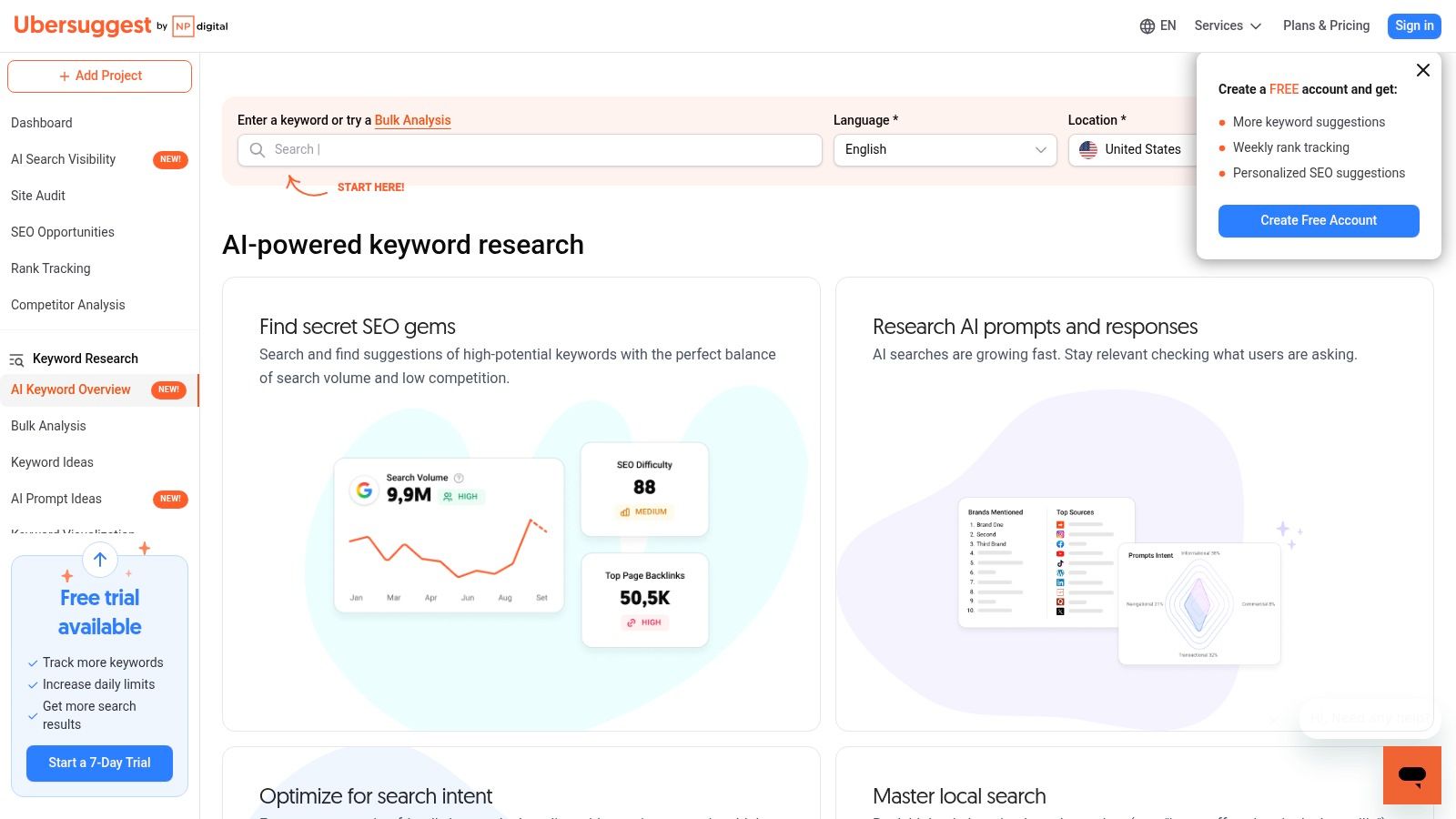
12. Ubersuggest (Free Account)
Ubersuggest, founded by Neil Patel, serves as an all-in-one SEO platform packaged into a user-friendly interface. While most of its power is reserved for paid tiers, its permanent free account provides a valuable entry point for founders and small businesses. It bundles keyword research, basic backlink data, rank tracking, and a site audit tool into a single, approachable dashboard, making it one of the more versatile free SEO tools available.
Unlike specialised tools that focus on a single function, Ubersuggest gives a taste of the entire SEO workflow. It is designed for quick checks and high-level analysis rather than deep, data-intensive projects. The free Chrome extension also adds keyword volume and backlink data directly into Google's search results, offering immediate insights as you browse.
Key Features & Business Use Cases
Keyword Research: Get keyword ideas, search volume trends, and difficulty scores. The free version is great for initial brainstorming before moving to a tool with higher limits.
Site Audit: Scan a limited number of your site's pages (up to 150) to find common technical errors like broken links, slow pages, or missing meta descriptions.
Basic Backlink Data: Analyse your own or a competitor's backlink profile, seeing who links to them and with what anchor text, albeit with heavily restricted results.
Lightweight Rank Tracking: Track a small number of keywords to monitor your ranking performance over time without needing a dedicated, paid-for tool.
Commercial Perspective
Pricing: The core features are available on a permanent free tier with strict daily limits on searches and reports. Full access requires a paid subscription.
Pros: Multiple tool types in one free account; very simple and approachable UI for beginners; a permanent free option for recurring basic checks.
Cons: Extremely tight daily limits on the free account make it unsuitable for in-depth work; many advanced features are gated behind paid plans.
Top 12 Free SEO Tools - Side-by-Side Comparison
Tool
Core Use Case
Price / Value
Unique Selling Point
Google Search Console
Performance reporting & technical health
Free 💰
🏆 Direct Google data & alerts
Google Analytics 4 (GA4)
User behaviour & conversion tracking
Free 💰
✨ Ties SEO activity to business ROI
Google Ads Keyword Planner
Commercial keyword research
Free (Ads acct) 💰
✨ Direct Google volume & cost data
Google Trends
Market demand & content seasonality
Free 💰
✨ Trend spotting & regional insights
PageSpeed Insights
Core Web Vitals & speed diagnostics
Free 💰
🏆 Google-aligned performance guidance
Yoast SEO (Free)
On-page SEO for WordPress sites
Free 💰
✨ Fixes made inside the WordPress editor
Bing Webmaster Tools
Bing search optimisation & indexing
Free 💰
✨ IndexNow support for fast indexing
Ahrefs Webmaster Tools
Site audits & backlink analysis
Free (limits) 💰
🏆 Ahrefs' backlink data for your sites
Semrush (Free Account)
Quick competitive & domain analysis
Free (limited) 💰
✨ Broad feature snapshot in one tool
Screaming Frog SEO Spider (Free)
In-depth technical site crawling
Free (500 URLs) 💰
🏆 The industry standard desktop crawler
GTmetrix
UK-based performance testing
Free (limited) 💰
✨ London test node & page monitoring
Ubersuggest (Free)
All-in-one SEO tool for beginners
Free (tight limits) 💰
✨ Simple UI for quick checks
Your Next Step: From Insight to Impact
SEO can feel overwhelming, but you do not need a big budget to get started. The best free SEO tools above, from Google Search Console to Screaming Frog, give you everything you need to build a data-driven SEO strategy.
The critical insight to take away is that more tools do not automatically equal better results. The real value lies in creating a simple, repeatable process that connects your SEO activity directly to commercial outcomes like leads and sales. Avoid the temptation to install and monitor every tool mentioned. Instead, focus on building a lean, effective "stack" that addresses your most pressing business needs.
Building Your Foundational SEO Workflow
For founders and in-house marketers, the goal is efficiency and impact. A pragmatic approach involves layering tools according to strategic priority.
Establish Your Baseline: Start with the essentials. Google Search Console and Google Analytics 4 are non-negotiable. They provide the ground truth for your performance, showing you which queries drive traffic, how users behave on your site, and where your technical foundation might be weak. Master these before adding anything else.
Monitor Technical Health: Once your baseline is established, be proactive. Use Ahrefs Webmaster Tools for ongoing site audits and backlink monitoring. Run a monthly crawl with the free version of Screaming Frog to catch critical issues like broken links, redirect chains, or duplicate content before they impact your rankings.
Guide Your Content Strategy: SEO is driven by content that meets user demand. Use Google Ads Keyword Planner and Google Trends to uncover what your audience is searching for. This data removes guesswork, ensuring you invest time creating content that has a built-in audience and a clear path to generating traffic.
Fix What You Find: On a WordPress site, use Yoast SEO to correct the titles, descriptions and sitemap issues the other tools flag. A list of problems is worth nothing until someone fixes them.
From Data to Decisions
Remember, these tools provide data; your strategy is what turns that data into revenue. Each tool offers a piece of the puzzle, whether it is a keyword opportunity, a page speed bottleneck, or a new backlink. Your job is to assemble these pieces into a coherent picture that informs your decisions. Ask yourself: what is the most important action I can take this month based on this data? Is it fixing a technical issue, creating a new piece of content, or optimising an existing page?
Focus on the one or two actions with the biggest commercial impact. That prioritisation is the difference between being busy with SEO and being effective at it. If you want to go further, this curated list of additional free SEO tools is worth a look.
When Free Tools Stop Being Enough
Free tools cover the essentials well, but most growing businesses eventually hit a limit. The usual signs are needing competitor data you cannot get from your own verified sites, tracking more keywords than a free account allows, or a site too big for a 500-URL crawl.
Do not upgrade everything at once. Pay for one tool that solves your biggest growth lever:
Competitor intelligence: If you are in a crowded market, Ahrefs or Semrush shows what rivals rank for and where their links come from. Pick one. They overlap heavily, and paying for both is rarely worth it for a small business. Ahrefs suits link-building focus; Semrush suits broader all-in-one coverage.
Content production: If you publish a lot, a content tool like Surfer or an all-in-one like SE Ranking helps writers match what already ranks.
Local visibility: If you rely on local customers, BrightLocal tracks rankings by location and manages citations and reviews.
Larger sites: A paid Screaming Frog licence removes the 500-URL limit and adds scheduled crawls.
Most paid SEO platforms price in US dollars, so budget for exchange-rate movement and check current pricing on the vendor's site before you commit.
Frequently Asked Questions
Which free SEO tool should I set up first?
Google Search Console and Google Analytics 4. They're non-negotiable and provide the ground truth for your site's performance in search. Master these two before adding any other free tool to your workflow.
Can I run SEO on free tools alone, or do I need paid tools eventually?
Free tools cover the essentials well, but they have real limits. Semrush's free account, for example, is heavily restricted compared to its paid plans, useful for a quick snapshot but not for ongoing, in-depth tracking. Most growing businesses outgrow the free tier for at least one tool eventually.
Can I use Ahrefs Webmaster Tools to check competitor websites?
No. Ahrefs Webmaster Tools only lets you add and monitor websites you own and can verify, and you can add an unlimited number of your own verified sites. You cannot use it to research competitor domains, and monthly crawl credits and free-report data are capped.
Do I need both Semrush and Ahrefs?
No. They overlap heavily, and paying for both is rarely worth it for a small business. Choose Ahrefs if backlink analysis is your priority, or Semrush if you want broader all-in-one coverage. Most businesses get more from using one well than splitting budget across both.
Is Yoast SEO enough on its own?
No. Yoast helps you get on-page basics right inside WordPress, but it cannot crawl your whole site, show you search performance or research keywords. Pair it with Google Search Console, GA4 and a crawler like Screaming Frog.
What these tools won't do for you
Every tool on this list will tell you what's wrong with your site. None of them will tell you which fix actually moves revenue, or do the work of fixing it. That's the real gap between a tidy Search Console dashboard and a business that's actually growing.
Lewis, who runs All Custom Roofing, came to us already using free tools like the ones above. Within less than three months of working together across SEO, Google Ads, Meta advertising and the website itself, his monthly revenue went from £10k to £100k. In his own words: “they've completely revolutionised how we operate and grow.”
That's not a typical result, and I won't pretend every business sees the same jump. But it shows what's possible once someone is doing the strategy and the execution, not just reading the dashboard.
Still doing this yourself, or ready to hand it over?
If you've worked through this list and you're still spending more time in these tools than on your business, that's usually the sign it's time to stop DIY-ing it. Book a free 20-minute SEO consultation and I'll tell you honestly whether DIY still makes sense for where you're at, or whether it's time to hand it to someone who does this full-time. No pressure, no generic sales pitch, just a straight answer.